
A StreamLadder alternative for whole streams
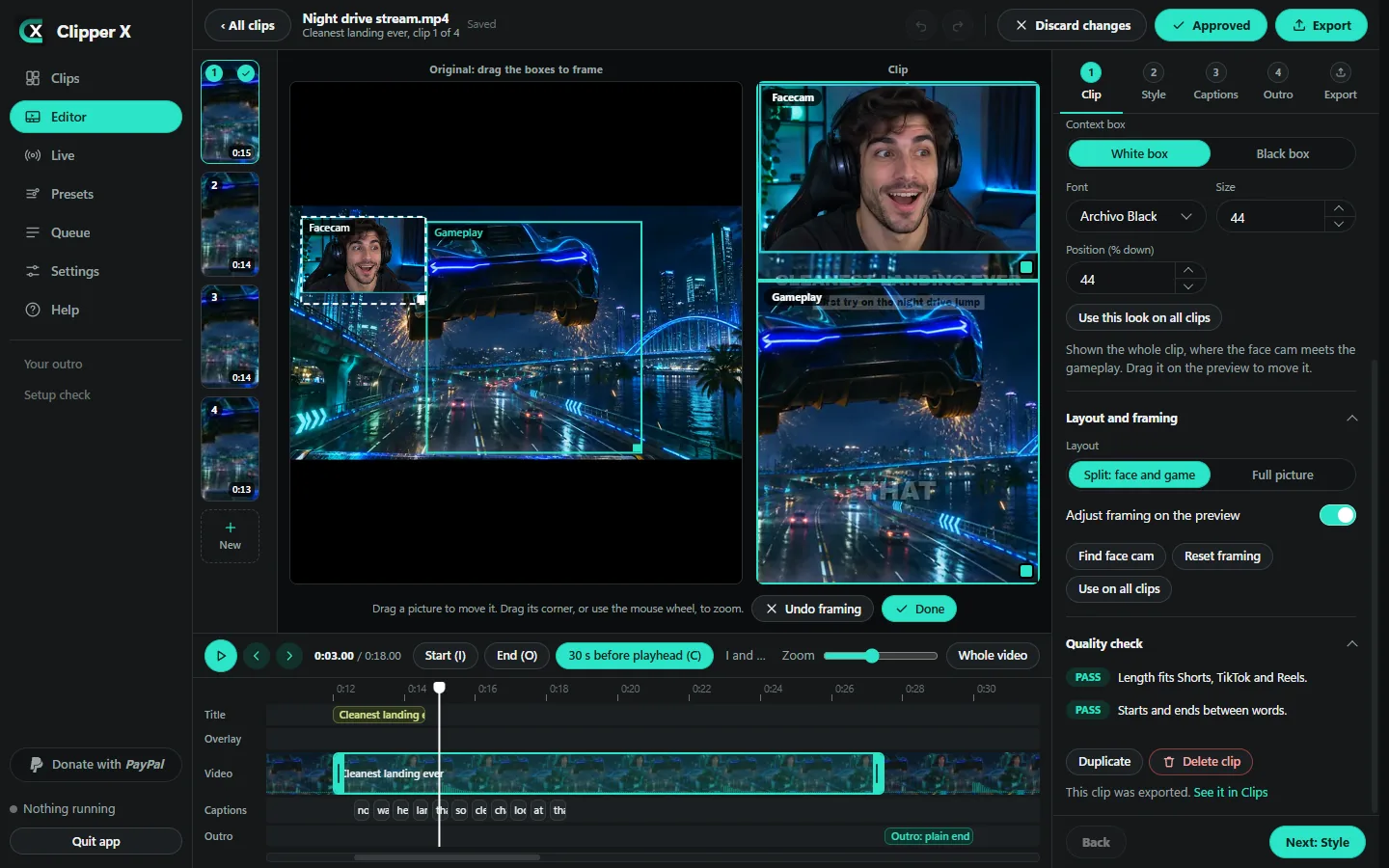
Clipper X is a StreamLadder alternative for Windows that starts from the whole stream instead of one short clip. Paste a Twitch, Kick or YouTube link or open a recording, let it find the moments, frame the face cam above the gameplay and add word-by-word captions on your PC. It is free during early access.
StreamLadder is one of the best-known tools for turning a Twitch clip into a TikTok, and it does that job well. The question is whether it fits the way you clip. This page explains the difference in plain terms, with StreamLadder's own pricing pages linked at the bottom. We make Clipper X, so we have tried to be extra careful about what StreamLadder does better.
Two tools, two starting points
The easiest way to understand the difference is to look at what you feed each tool.
StreamLadder's free plan starts from a clip. Its pricing page sums up the Free plan as "Turn a clip into a vertical video". You bring a clip from Twitch, Kick or YouTube, pick a layout, and export it. Finding the moment and making the clip is still up to you. To have AI go through a whole stream, you need ClipGPT, which comes with the paid Creator and Pro plans.
Clipper X starts from the stream. You open a full recording, paste a public VOD link, or watch a stream live. With Auto clip on, it finds the funniest, loudest and most exciting moments and makes the clips. With it off, you mark moments yourself in the Editor. Either way, every clip from that video can share one framing and one caption style.
If you only ever post one or two clips a day that already exist on Twitch, StreamLadder's starting point may suit you better. If you are working through long streams for a clipping campaign, the second approach usually saves more time.
What you get free, and what costs money
StreamLadder figures come from its pricing and layout pages on 22 November 2026. Clipper X figures come from this site.
| StreamLadder | Clipper X | |
|---|---|---|
| Price | Free; Starter $15 a month ($150 a year); Creator $27 a month ($270 a year); Pro $39 a month ($390 a year). Paid plans have a 7-day trial that needs a card | Free during early access. A 30-day license key from the Clipper X Discord, one per Discord account |
| Where it runs | In the browser, plus iOS and Android apps | Windows 10 and 11 desktop app only |
| Free exports | 720p at 30fps. A watermark is added when you use paid features | 1080x1920 or 720x1280 MP4, at High, Standard or Small file size, with no watermark |
| Upload size | 200 MB on Free; paid plans list 2 GB (and up to 10 GB for ClipGPT) | Opens video files from your PC (MP4, MKV, MOV, WebM, AVI, M4V, TS, FLV) |
| AI clips from a whole stream | ClipGPT on Creator and Pro: up to 30 clips per stream, Twitch and Kick streams by link | Auto clip with Fewer, Normal or More, using the AI service you choose or no AI (then it picks the loudest moments) |
| Face cam layouts | Stacked (face cam top, gameplay bottom), side by side, picture in picture, full-screen gameplay, plus saved custom layouts | Split (face cam on top, gameplay below) or full picture, set by dragging boxes |
| Captions | Manual captions in the editor from Starter; auto captions with ClipGPT | Word-by-word captions made on your PC (English), 5 animations, 8 fonts, 9 ready-made styles |
| Live clipping | Not listed on the pricing page | Twitch, YouTube and Kick live streams or OBS, last 15 minutes kept |
| Posting and scheduling | Starter and above: TikTok, YouTube, Instagram and Facebook; Pro adds X | Not included. You export and post yourself |
| Extras | Emote Maker, Schedule Maker and Clip Downloader on Free; 4K on Pro | Outros and end cards with your social handles, titles, up to 5 logos or pictures |
One Kick stream, done both ways
Say a streamer you clip for (with permission) had a 5-hour Kick stream last night and you want five vertical clips today.
On StreamLadder's Free plan, you would find the moments yourself, for example by checking chat and the channel's existing clips, make or download each clip, then bring each one into the Clip Editor, choose a layout and export it at 720p. With the Creator plan, ClipGPT can go through the stream by link and suggest clips for you, and you can post and schedule from the same place.
In Clipper X, the steps look like this:
- In Clips, turn Auto clip on and choose how many moments to catch.
- Paste the public Kick link, read the warning, tick its box and press Add. The download mostly uses your internet and disk space.
- Open Review. Each new clip plays; press A to approve or X to reject.
- In the Editor, frame the first clip with the Facecam and Gameplay boxes, then press Use on all clips.
- Pick a caption style and press Use on this video's clips. Fix any misheard names word by word.
- Press Export all approved. Exports run one at a time in the Queue while you keep working.
The full steps, with screenshots, are in the Clipper X guide. For tips on picking the moments themselves, see how to find viral moments in a long stream, and for Kick's own rules, how to clip Kick streams.
Where StreamLadder is better
- It works anywhere. A browser on a Mac, a Chromebook or a school laptop, and phone apps on iOS and Android. Clipper X needs a Windows PC.
- It is lighter on your computer. Clipper X does the video work on your PC, so long streams take disk space and processing time. With ClipGPT, StreamLadder takes the stream by link and finds the clips for you, without a big download to your own disk.
- More layouts. Side by side and picture in picture are built in, and custom layouts save to your account. Clipper X offers split or full picture.
- Posting and scheduling. From the Starter plan you can publish and schedule to TikTok, YouTube, Instagram and Facebook. Clipper X does not post for you.
- A no-cost plan that does not depend on a key. StreamLadder's Free plan has no time limit. A Clipper X key lasts 30 days, and the site says renewal is not available yet.
- 4K on Pro. Clipper X exports at 1080x1920 at most.
Where Clipper X is different
- Moment-finding without a higher plan. Auto clip is part of the app during early access. It can use an AI service you choose, or no AI at all.
- 1080x1920 exports during early access, not only 720p.
- Live clipping. Paste a Twitch, YouTube or Kick link or connect OBS, and press Clip that or C after a moment. Clipper X keeps up to the last 15 minutes and can auto-clip loud reactions too.
- Big recordings. Because Clipper X opens files from your PC, a long OBS recording does not have to be uploaded first.
- Captions on your PC that you can fix. Click a word to change it, split or merge words, or use Find and Replace all for a name the speech model keeps getting wrong. More in how to add captions to gaming clips.
- Outros. End on your own outro video, another clip, or an end card with your accounts.
Who should pick which
Pick StreamLadder if you are not on Windows, you mostly edit clips that already exist on Twitch, Kick or YouTube, you want lots of layouts, or you want to schedule posts from the same tool. It is also the safer choice on an old or low-powered computer.
Pick Clipper X if you are on a Windows PC, you work from full streams or long OBS recordings, you want to clip while the stream is live, or you want automatic moment-finding and 1080p exports while the app is free during early access.
Whichever you pick, the layout itself matters more than the tool. Our face cam and gameplay split screen guide has the exact sizes for 1080 x 1920. And whatever tool you use, only clip streams you own or have permission to clip; clipping without copyright strikes explains why.
FAQ
Is StreamLadder free?
StreamLadder has a Free plan with a basic clip editor and default layouts. On 22 November 2026 its pricing page listed 720p 30fps exports and a 200 MB upload limit on Free, with a watermark added when you use paid features.
Which StreamLadder plan includes ClipGPT?
ClipGPT, the AI that finds clips in a whole stream, is on the Creator plan ($27 a month or $270 a year) and the Pro plan ($39 a month or $390 a year).
Can Clipper X put my face cam above my gameplay?
Yes. Choose the Split: face and game layout, drag the Facecam and Gameplay boxes on the original picture, then press Use on all clips to copy the framing to every clip from that video.
Does Clipper X have a mobile app?
No. Clipper X is a Windows 10 and 11 desktop app. StreamLadder runs in a browser and also has iOS and Android apps.
Can I clip a Kick stream with Clipper X while it is live?
Yes, if you own the stream or have permission. Paste the public Kick link in the Live page, and Clipper X keeps up to the last 15 minutes so you can press Clip that right after a moment.
Where these facts come from
Last checked 22 November 2026.
- StreamLadder pricing: plan prices, trial, Free plan export quality, watermark rule, upload sizes, ClipGPT limits and posting.
- StreamLadder custom layouts: the built-in layouts and saved custom layouts.
- StreamLadder home page: Twitch, YouTube and Kick imports, ClipGPT and the content publisher.
StreamLadder's pricing page lists a 2 GB upload size for paid plans and "up to 10GB" in the ClipGPT row, so check which applies to you. Clipper X facts come from the home page and the guide.
Keep reading
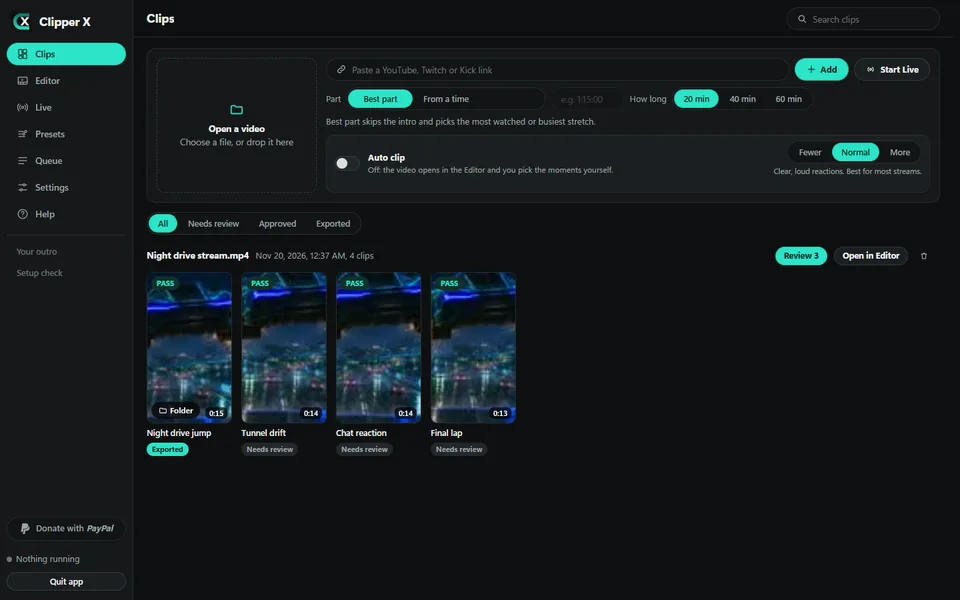 An OpusClip alternative for stream clippersCloud credits or your own PC? Where OpusClip wins, where Clipper X fits, and the maths for a 6-hour stream.
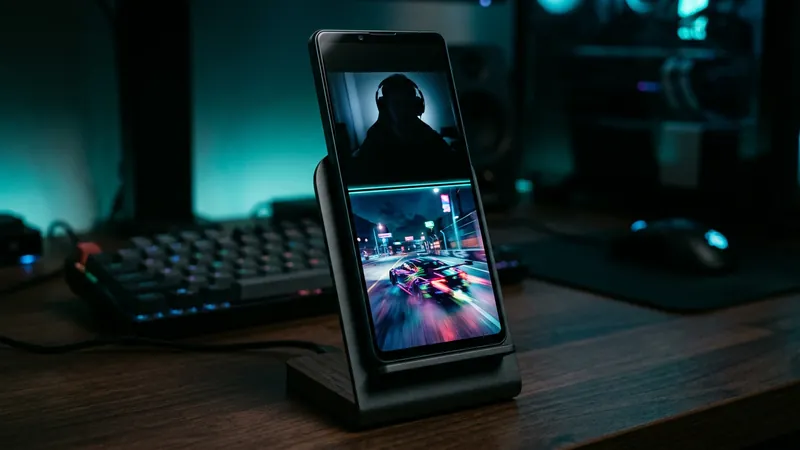 Face cam and gameplay split screen for vertical videosExact split sizes for 1080 x 1920, framing tips and where to put captions so they stay clear of the face.
 How to clip Kick streamsKick's Clip button, its 10 to 180 second limit and cooldown, and how to turn the result into a vertical Short.